Upload your poster
When you can upload
Upload Poster appears on your abstract's page only when:
- your abstract is Accepted, and results are published, and
- the submission period is still open.
If your abstract is accepted but there's no button, the submission period has probably ended. Ask the organizer to extend it.
How to upload
-
Open your accepted abstract in My Submissions.
-
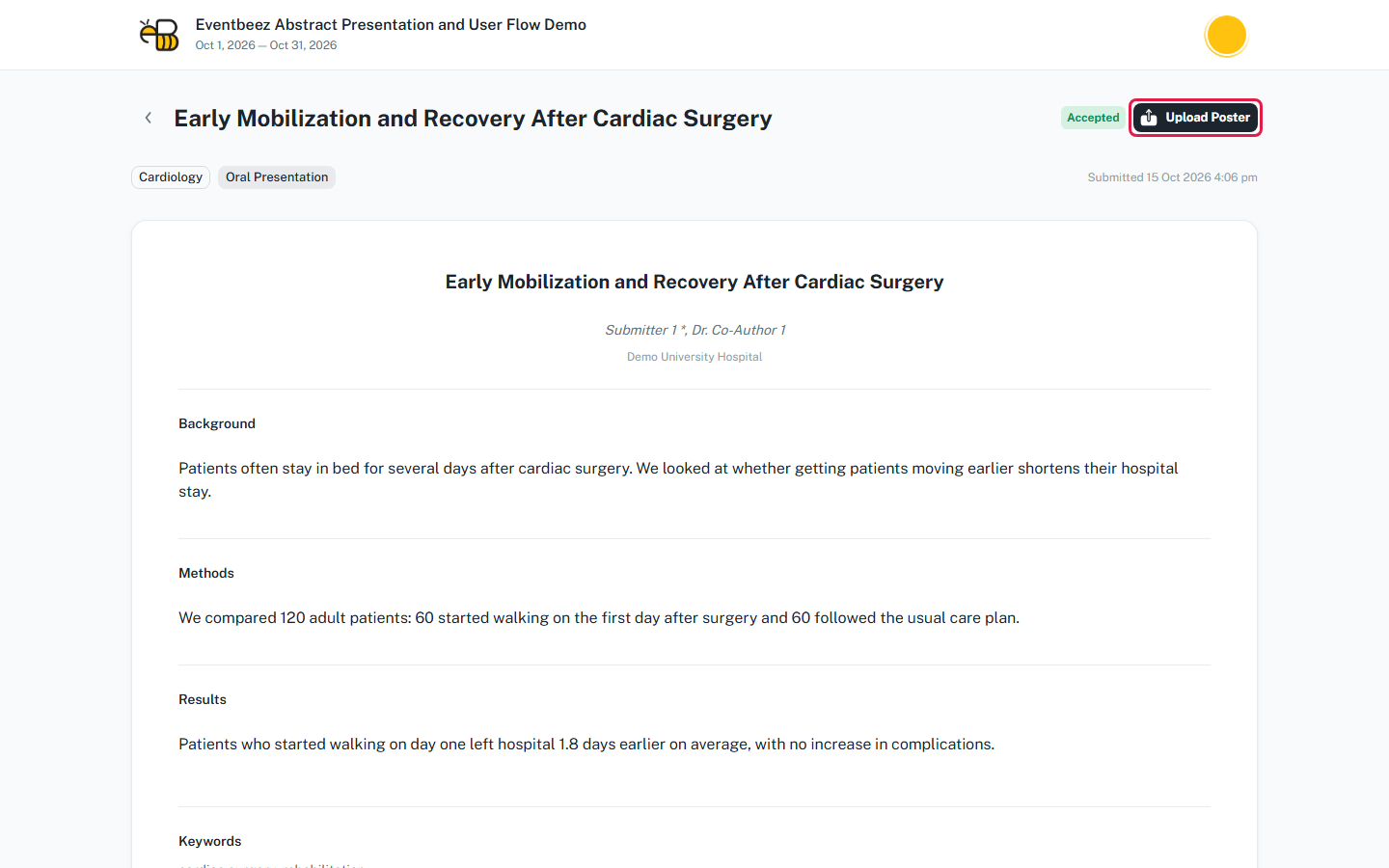
Click Upload Poster at the top of the page.
-
Choose a Thumbnail (JPG, JPEG or PNG, up to 5 MB) and the PDF (up to 10 MB). The first time you upload, you need both.
-
Click Save.
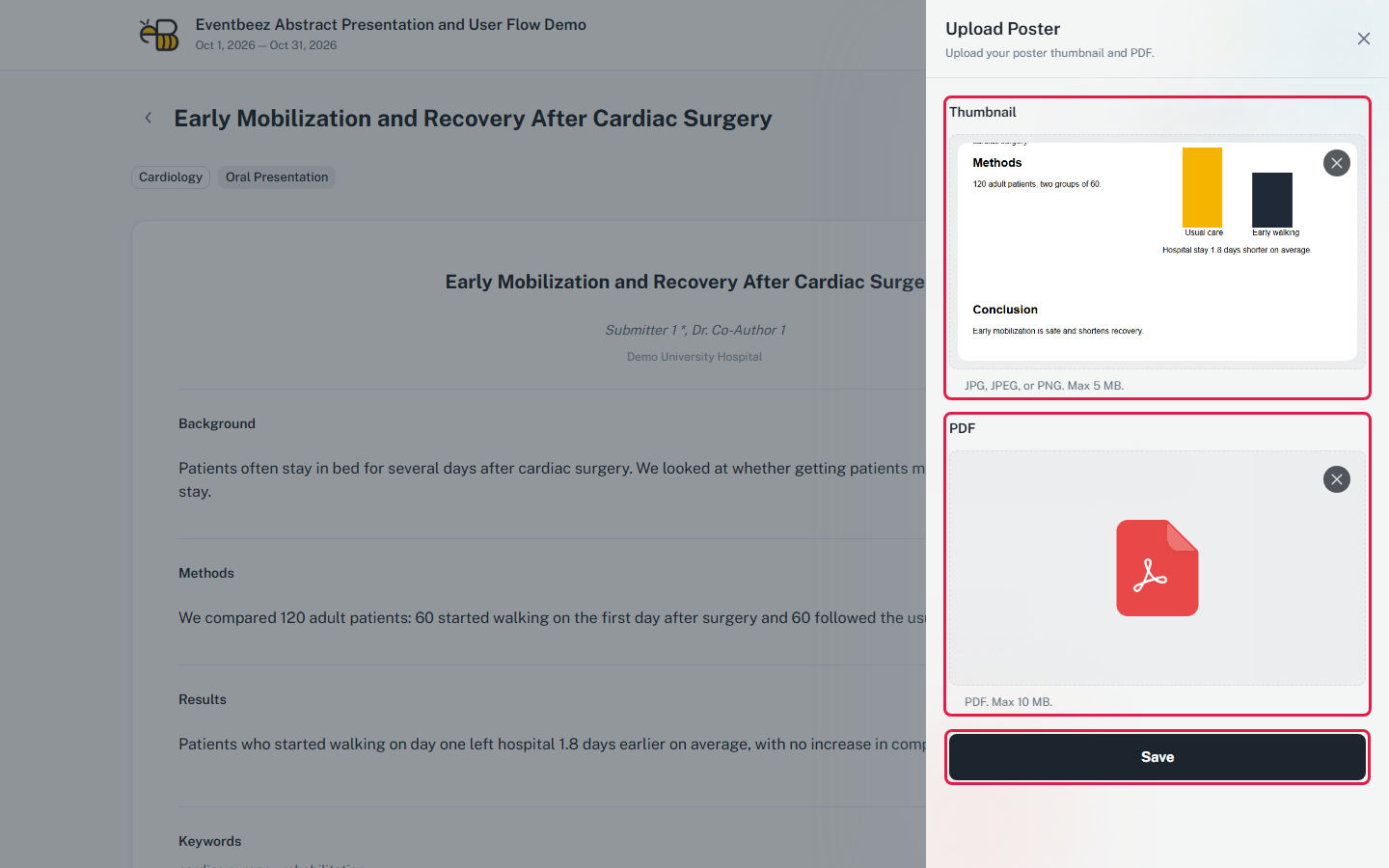
To replace your poster later, upload a new thumbnail, a new PDF, or both.
Who sees it
The organizer decides whether your poster is shown on the event website. A poster you upload isn't public until they show it.